AI Image Editor for Faster Online Editing
AI Image Editor helps you edit images online with simple prompts, test ideas faster, and reach polished results with less manual work. Start with AI Image Editor in your browser and move from first draft to final image with less friction.
🎁 Start your free trial in the browser
from 504,539+ happy users
Start with One Image and See How It Feels
Upload an image, describe the change you want, and work through new versions in the browser with AI Image Editor. AI Image Editor is a low-friction way to test whether this workflow fits how you like to create, and AI Image Editor keeps the process approachable.
Prompt Engine
Image Dimensions
Output Gallery
Your ultra-fast AI creations appear here instantly (0)
Ready for instant generation
Enter your prompt and unleash the power
Real Results from Everyday Editing Work
These examples show how people use AI Image Editor to explore ideas, refine visuals, and move from a rough direction to something polished. Across creative work, marketing, and everyday editing, AI Image Editor makes that process easier to repeat.

Turn photo into character figure
Turn a portrait into a stylized character concept for avatars, storytelling, or creative experiments.

AI Sketch to Art (No Skills Needed)
Take a rough sketch and turn it into polished artwork with clearer color, shape, and visual direction.

Age Progression (Before/After)
Create younger or older variations for visual comparisons, concept work, or storytelling.

AI Passport / ID Photo Generator
Start from one photo and explore clean ID-style variations for different formal looks.

AI E-commerce Product Scenes
Build product-focused scenes with props, styling, and polished presentation for store or campaign visuals.

AI Home Decor Preview
Preview interior ideas by testing different furniture, materials, and layouts before making a decision.

AI Virtual Try-On Editor
Test outfit ideas on a model and compare variations with a faster, more visual workflow.

AI Photo Restoration & Enhancement
Refresh old photos with clearer detail, cleaner surfaces, and a more polished final look.

AI Manga Creator
Create manga-inspired scenes and keep the visual direction consistent across multiple panels.
Use Cases for Teams, Creators, and Everyday Projects
Social Media Content Creation
E-commerce & Product Image Optimization
Marketing & Advertising Creatives

Business Presentations & Visual Assets
Personal Art, Design & Creativity
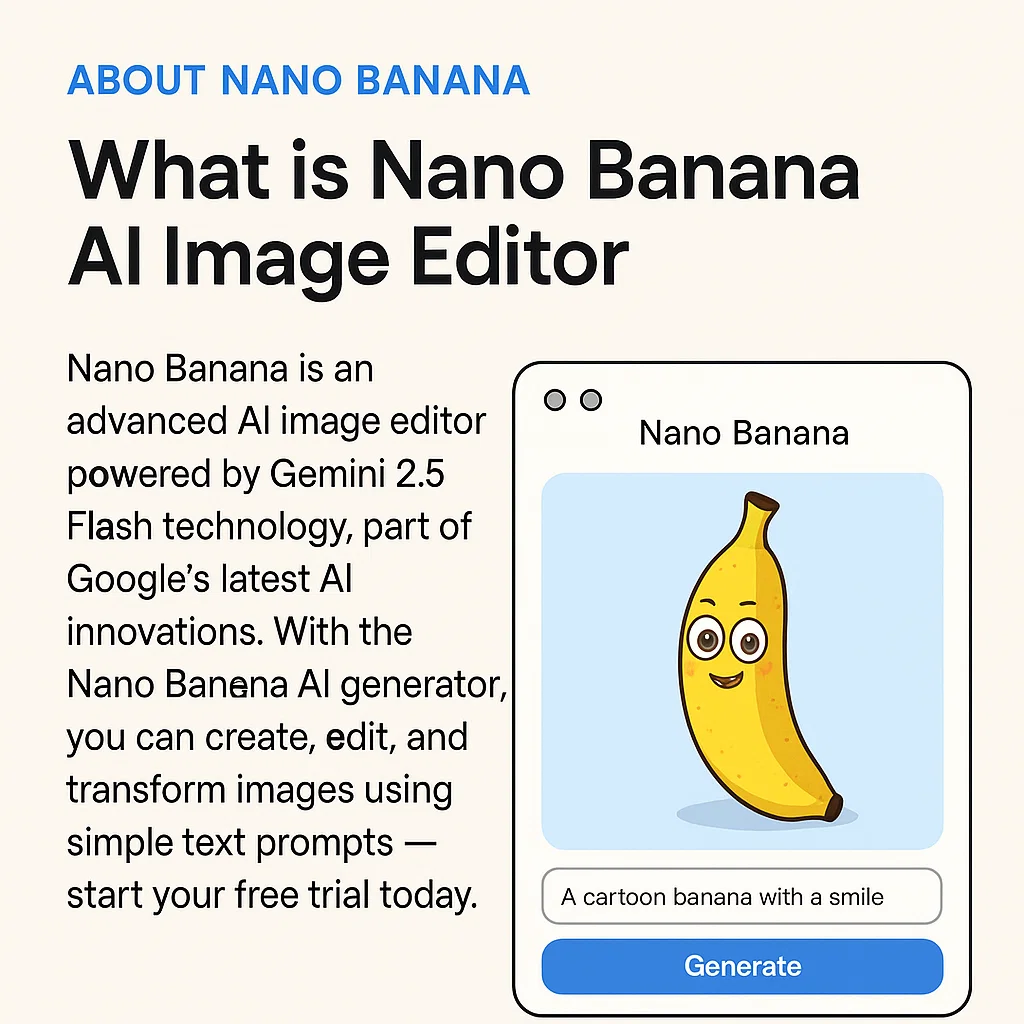
What Is an AI Image Editor?
Instead of spending time inside a complex editor, you can use AI Image Editor to describe the change you want and work through new versions right in the browser. AI Image Editor gives you a faster way to test ideas, refine direction, and get to a usable result.
- Start Online Without SetupOpen the editor, upload an image, and test your first prompt in a few clicks. It is designed for fast experiments and a smooth first experience.
- Edit with Natural LanguageDescribe the change you want in plain words and let the editor guide the next version. This makes prompt-based editing easier for both quick fixes and creative exploration.
- Move from Trial to ProStart with the free version, then upgrade when you need more credits, higher limits, or a more advanced workflow.
Why It Feels Easier to Keep Momentum
AI Image Editor lets you move from idea to usable image without getting pulled into a slow, technical editing process. AI Image Editor makes it easier to keep experimenting, refining, and finishing work when the workflow stays this simple.
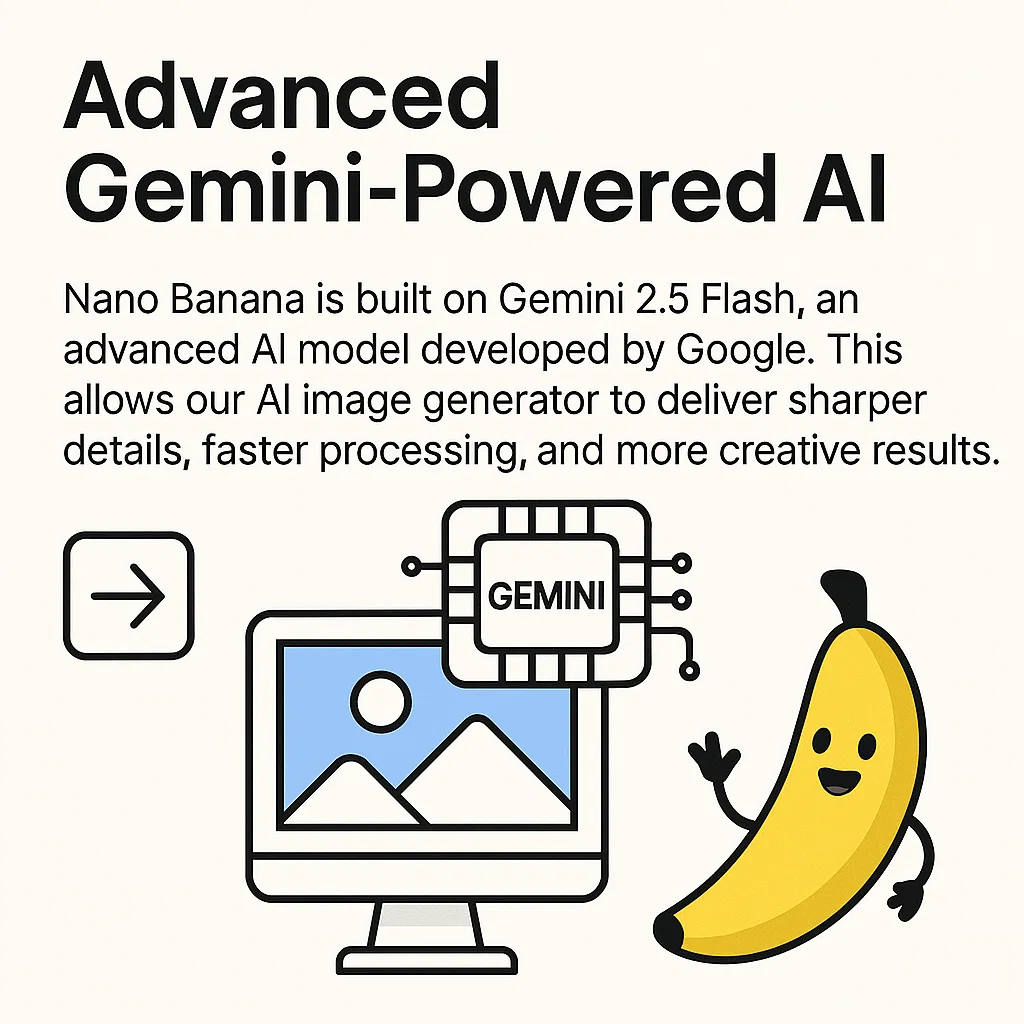
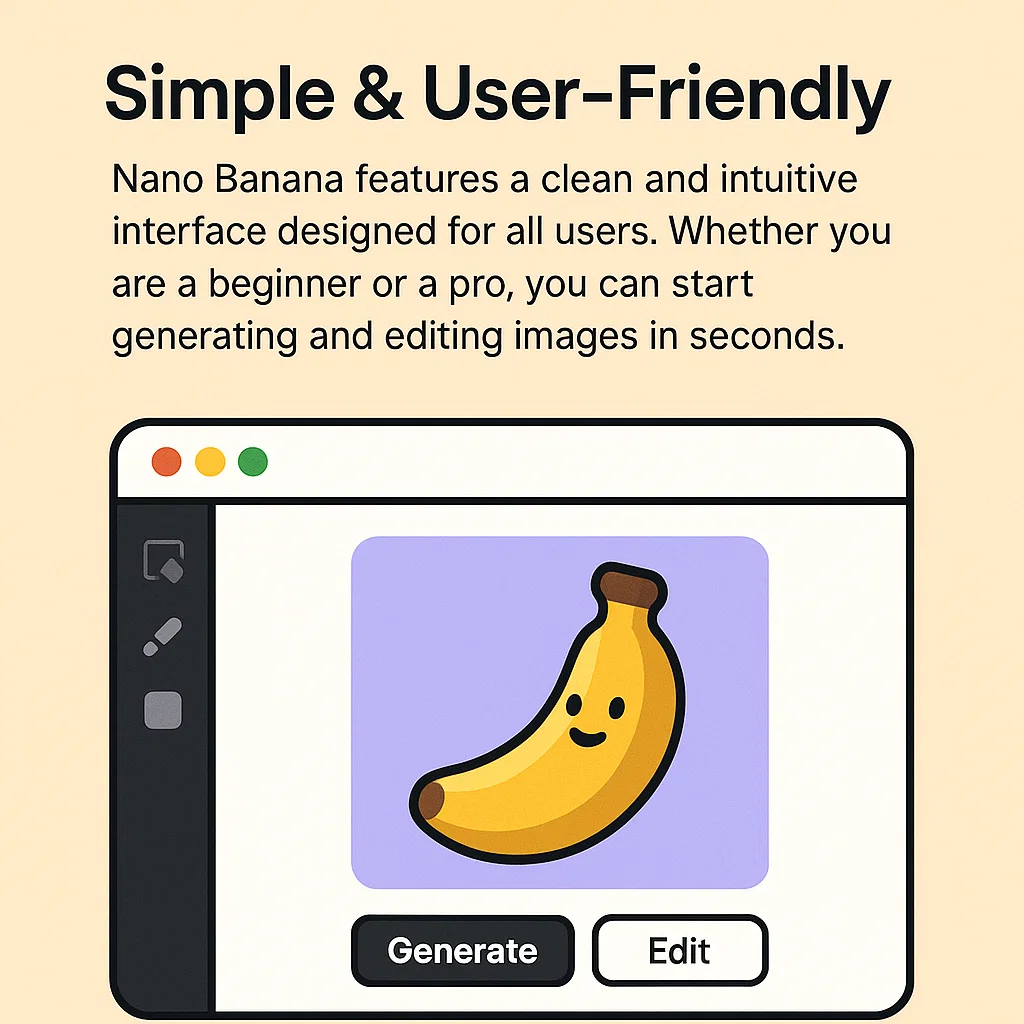
How to Edit Images with AI in Minutes
Getting started with AI Image Editor is simple. Open AI Image Editor online, add a prompt or image, make the changes you want, and download the result when it looks right. AI Image Editor fits easily into everyday creative work.
Features Built for Faster Decisions
AI Image Editor is designed to help you try a direction, see what changed, and keep refining without breaking your flow. AI Image Editor supports faster editing decisions, clearer iteration, and more usable output, so AI Image Editor fits naturally into repeat editing work.
Prompt-Based Editing
Describe the change you want in plain language and use the result as a starting point for the next version.
Image-to-Image Workflows
Upload a reference image, adjust the direction, and build new variations without starting from scratch.
Fast Online Access
Work in the browser from any device and move quickly from idea to draft without heavyweight software.
Natural Creative Control
Use prompts to fine-tune tone, style, and composition in a way that feels simpler than manual editing.
Consistent Visual Direction
Keep a steady look across multiple versions when you want a series of images to feel connected.
Upgrade When You Need More
Move to Pro when your workflow needs more credits, higher limits, or extra room to scale.
Why Teams Keep Coming Back
People use AI Image Editor when they want to get to a stronger image faster without adding more tool overhead. For many teams and creators, AI Image Editor makes visual work feel much easier.
Trusted by
50K+
Active users around the world
Images Created
1M+
Images generated and edited on the platform
Free Access
100%
Start Free — Upgrade Anytime
What Users Say About AI Image Editor
Feedback from designers, marketers, developers, and founders who use AI Image Editor for faster visual work and choose AI Image Editor in real workflows.
Emily Roberts
Freelance Designer
This editor dramatically sped up my workflow. I can refine visuals in minutes instead of hours, and the free trial made it easy to test before upgrading.
Daniel Lee
Founder of PixelForge Studio
We use it for consistent character work and fast image-to-image iterations. It has become part of how we build concept art and client previews.
Sophia Martinez
Marketing Manager
Our team uses it to create ad creatives and branded visuals much faster. It is now part of our weekly marketing workflow.
Liam Anderson
Indie Game Developer
Character consistency across scenes is impressive. It makes it much easier to iterate environments and storyboards with clear prompt control.
Chloe Nguyen
Content Creator
Simple prompts and professional-looking results. I use it to create visuals for blogs, YouTube thumbnails, and social posts much faster.
Oliver Davis
Startup Founder
It helped us create product mockups and promotional visuals without hiring a full design team. That makes it especially useful for early-stage launches.
Questions People Ask Before They Try It
A quick overview of how AI Image Editor works, what the free trial includes, and how AI Image Editor fits into a practical online workflow. For many new users, AI Image Editor is easiest to understand here first.
What is AI Image Editor?
It is an online AI image editor that helps you change images with prompts instead of a traditional manual workflow. You can start in the browser, test ideas quickly, and refine results step by step.
Is there a free trial, and do I need to sign up?
Yes. You can start with a free trial to see how the editor fits your workflow. If you need more credits or higher limits later, you can upgrade to Pro.
What does Pro include?
Pro is designed for heavier use. It gives you more room to work with larger output needs, higher limits, and a workflow that can scale more easily.
Can I use the images commercially?
Commercial use depends on your plan and the terms that apply to your account. Review the official terms for the latest licensing details before using output in paid work.
How do I get better results with prompts?
Be specific about subject, style, composition, and the exact change you want. For image-to-image editing, explain what should change and what should stay consistent.
Does it support image-to-image editing?
Yes. You can upload a reference image and guide the next result with prompts, which makes it easier to explore variations while keeping the overall direction consistent.
Try It Free and See If It Fits Your Workflow
Start with a simple edit in AI Image Editor, see how AI Image Editor fits your workflow, and keep using AI Image Editor as your editing needs grow.